How Email Notifications Work
At a very high level, email alerts follow a simple process:
You set a condition, the system monitors the data, and you get notified when the condition is met.
First, choose the stocks, ETFs, or other investments you want to watch.
Next, you define alert conditions. These might include:
- A stock price crossing a specific level
- A new earnings report is released
- A technical indicator triggering (like RSI or moving averages)
After you set up your alerts, the system monitors market data, filings, and events in near-real-time. When your condition is met, you get an email alert in your inbox.
Most platforms let you set alerts to trigger just once or every time the condition happens.
The main benefit is automation. You set the rules once, and the system monitors them for you.
Example Email Alert
Here is an example of what a typical stock email alert looks like:
Subject: Your XYZ trigger ‘Daily Price Change 2.0%’ was triggered
Email Body:
Finbotica Alert
Block, Inc. (XYZ) has crossed the change 2.0% limit. The current price of XYZ is $60.33 (-3.02%, -$1.88) as of 2026-01-30 13:25:02 EDT.
This example stock alert came from Finbotica. A good alert is concise and useful, providing enough information to decide whether to investigate further.
How to Manage Your Alerts
It’s easy to set up alerts, but managing them well is what makes them truly helpful.
Setting Your Email Alert Preferences
The email address you use to log in to your Finbotica account is the same one you will receive alerts at. Ensure emails from the finbotica.com domain are whitelisted to prevent them from ending up in your spam folder.
Changing Your Email Address
If you need to change the email address you use to log in to Finbotica, please contact support@finbotica.com for assistance.
Start Simple
Don’t create too many alerts at once. Start with your most important stocks and a few key conditions.
Where possible, use Watchlist alerts, a specialized alert type that lets you monitor all tickers on your watchlist for the same condition. For example, if you want to be notified whenever the price of a ticker on your watchlist changes by 2.0% or more within the day, this is a perfect use case for a Watchlist alert.
Prioritize Signal Over Noise
If you have too many alerts, you might start ignoring them. If an alert doesn’t help you make a decision, it’s best to remove it.
Review Alerts Regularly
Markets change, so your alerts should too. Review them monthly or quarterly to update thresholds, compare them to your watchlist and portfolio holdings, remove unused alerts, and add new ones where needed.
Managing your customizable stock alerts well can turn your inbox into a helpful source of market information.
Available Stock Alert Types
Modern stock alert systems support a wide range of alert types. The most common include:
Price Alerts
Triggered when a stock hits, crosses, or moves within a price range. These are the most widely used alerts. For example, you may want to be notified when a stock crosses its 52-week low.

Screener Alerts
Triggered when a stock is added or removed from your automatically executed saved screeners.

Percentage Change Alerts
Notify you when a stock moves up or down by a certain percentage in a day, week, or custom timeframe.
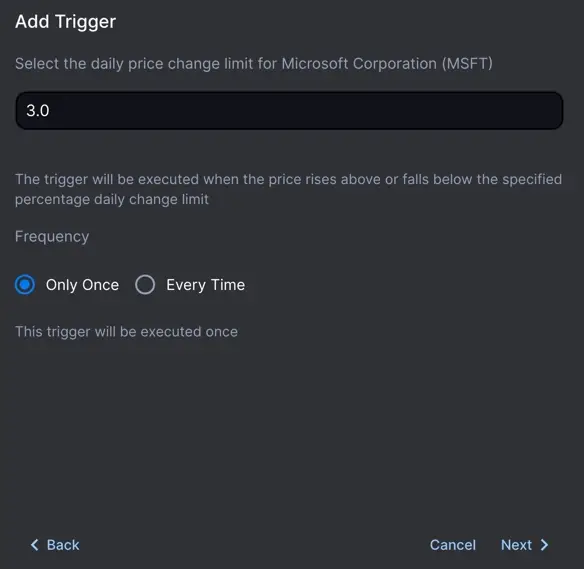
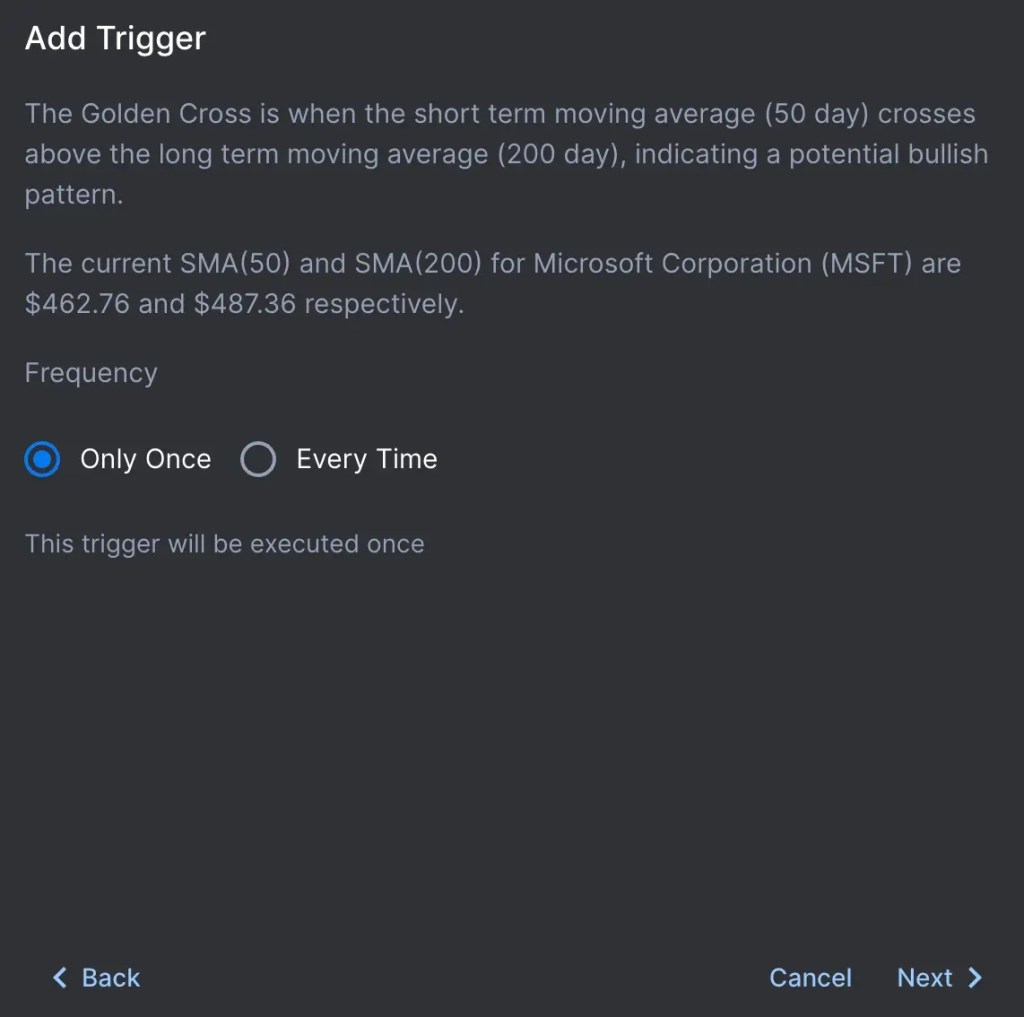
Technical Indicator Alerts
Based on indicators such as RSI, moving average crossovers, MACD, or Bollinger Bands.
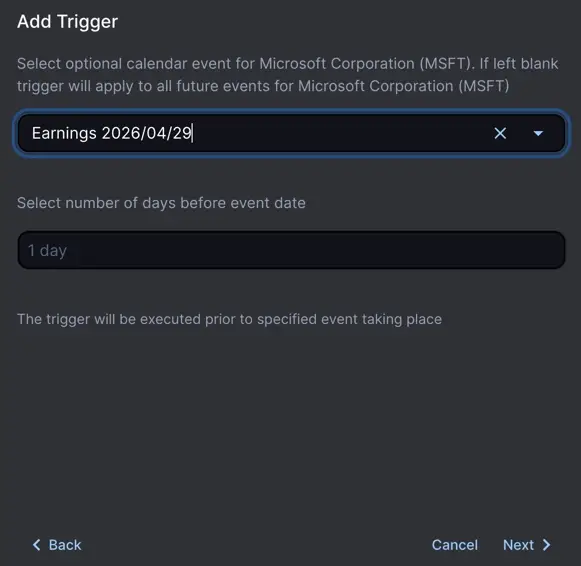
Earnings and Financial Filing Alerts
Notify you when earnings reports, 10-Q/10-K filings, or guidance updates are released.
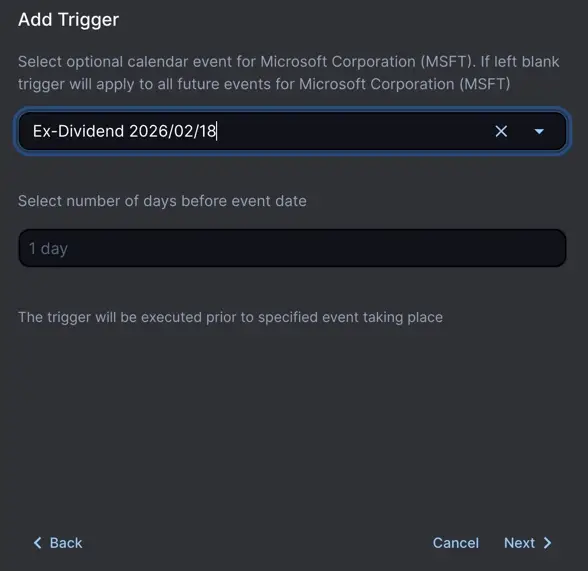
Dividend Alerts
Track dividend declarations, ex-dividend dates, and payout announcements.
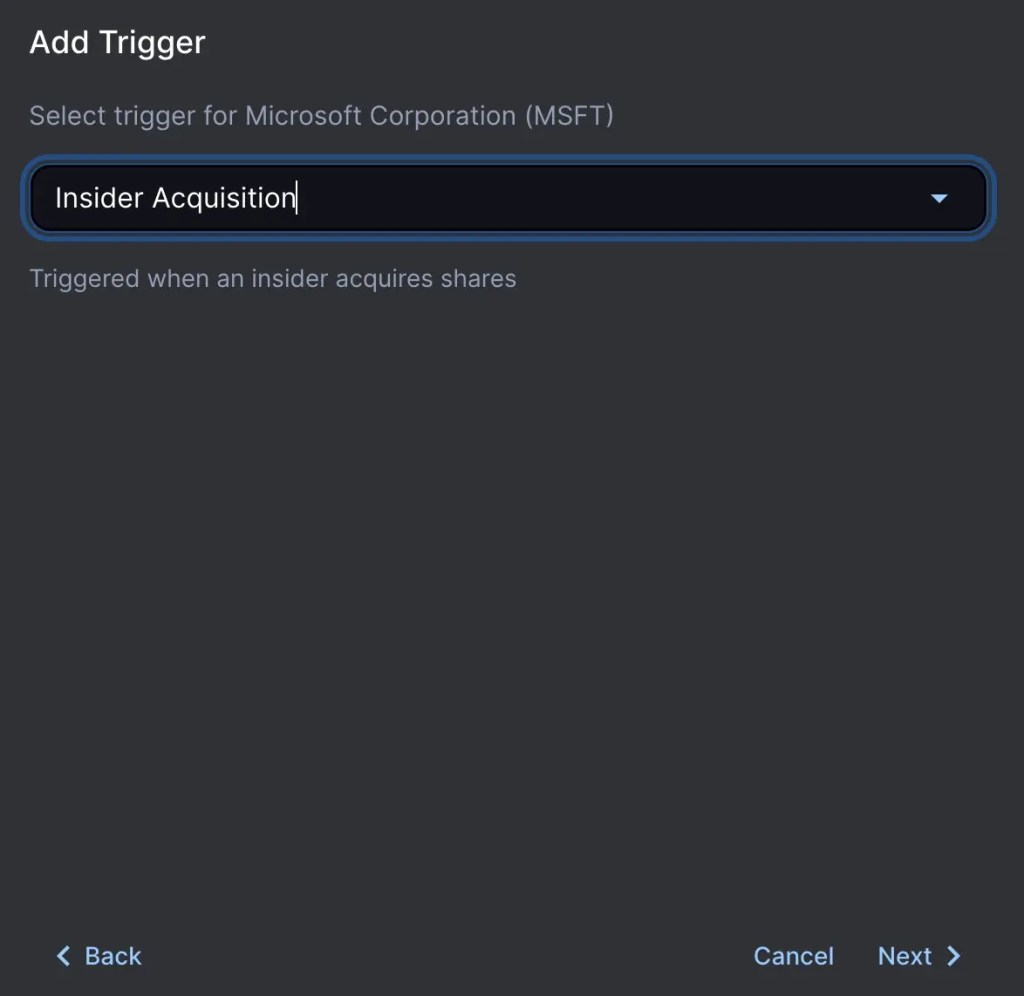
Insider Trading Alerts
Trigger when executives or major shareholders buy or sell shares, aka insider trading.
Not Just for Stocks
Alerts are not limited to just stocks. You can receive forex alerts, commodities alerts, and even crypto alerts using the Finbotica platform.
The Bottom Line
Email alerts for stocks are an easy way to improve your investing. They save you time, help you notice important events, and let you act thoughtfully instead of emotionally.
Whether you’re a long-term investor, an active trader, or someone who just wants to stay updated without constant screen time, well-designed email alerts can become a quiet but powerful edge in your investing toolkit.
Set up your alerts carefully, manage them well, and let the market updates come to you.